Free rhythm platformer
Geometry Dash online — play free and learn the rhythm
Geometry Dash turns one button into a test of timing. Follow the soundtrack, clear the hazards and learn how each portal changes your movement. Play free in your browser without an account, or download the Android app to continue on your phone.
- 15 levels
- 8 forms
- 128–185 BPM
- No sign-up
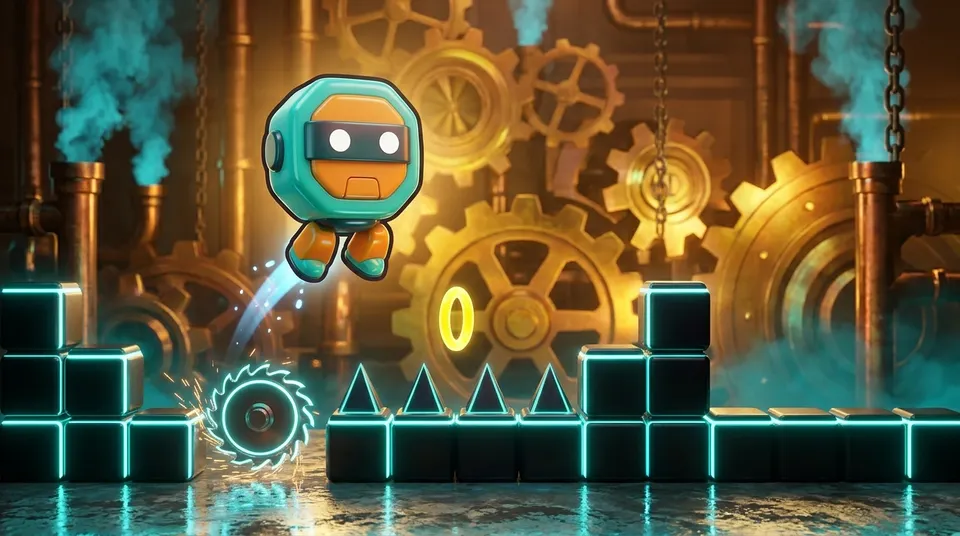
First launch loads about 100 MB. Free, with no ads in the browser.
Hold your phone sideways to play
Menu
Geometry Dash online: timing, forms and progress
In Geometry Dash, your character keeps moving while you control the timing. A click or tap can trigger a jump, steer a flight or reverse gravity. Learn what each form does and look ahead for the next portal as you work towards the finish.
The campaign contains twelve main stages and three bonus levels. Each hides three coins, while coins and stars open garage looks. Eight forms change how the same button works, from the cube’s jump to the wave’s sharp diagonal movement.
Spikes, blocks, saws, orbs, pads and portals sit on the beats of the music, so the track tells you when to jump. That is what makes it a rhythm game rather than a plain obstacle course: if you lose the beat, you usually hit something. The tempo starts at 128 BPM and climbs to 185 BPM. Headphones help, because the beat is the cue.
It costs nothing. Every level and look unlocks by playing, and there is no account or sign-up. The browser version runs on this site, on a computer or a phone, and shows no ads. The Android app on Google Play is free too, for Android 7.0 or newer, and one save can move between the browser and the phone.
How to play Geometry Dash: one button, on the beat
Listen for the beat and use one button to control the current form. On a phone, hold the screen sideways. These steps take you from your first attempt to a completed run.
-
Tap or click
Your character runs by itself, so you never steer. Tap the screen or click to act. As a cube, a tap jumps, and if you keep holding it jumps again the moment it lands.
-
Follow the beat
Spikes, blocks and other hazards line up with the rhythm of the soundtrack, so follow the pulse and move along with it. Headphones make this easier. Across the levels the tempo goes up from 128 BPM to 185 BPM.
-
Watch the portals
Portals change your form mid-level, choosing from 8 forms, and others change speed (1x, 2x, 3x) or gravity. Each form answers the button differently, so read the next portal before you reach it.
-
Retry and practise
Restarting is instant. An attempt counter, completion percent and best result show your progress, and practice mode with checkpoints lets you rehearse one hard section without replaying the whole level.
8 forms and 32 looks in the garage
Portals switch your form while a level is running, and each form turns the same button into a different movement. Every form also has 4 looks in the garage, 32 in total, unlocked by playing.
-
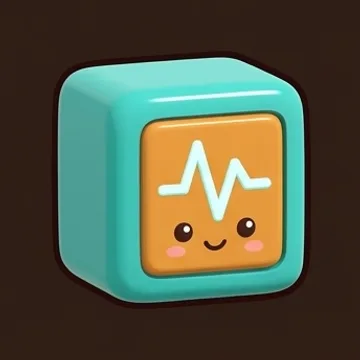
Cube
Tap and the cube jumps. Keep the button held down and it launches again as soon as it touches the ground, which is handy for long stretches of spikes.
-
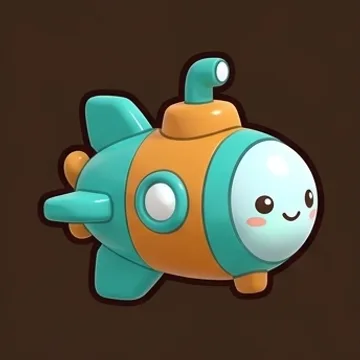
Ship
Hold to climb and release to sink. It appears in tunnels and around saws, where you hold a steady height instead of jumping.
-
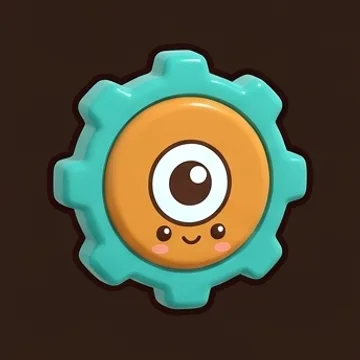
Ball
Each tap flips gravity, so the ball goes from the floor to the ceiling and back again. You are never jumping, only choosing a side.
-
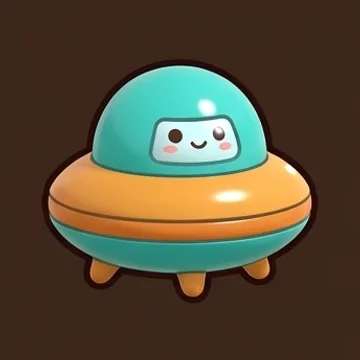
UFO
Each tap is a short hop up, and between taps it falls. Tapping in a steady rhythm is how you hold your height.
-
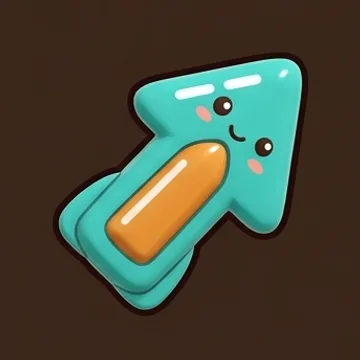
Wave
It moves in straight diagonals: up while you hold the button, down when you let go. Narrow corridors need precise timing.
-
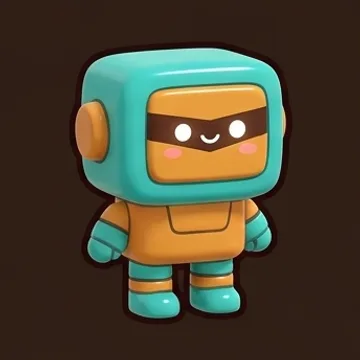
Robot
Hold the button longer for a higher jump. A short press gives a low hop, so you choose the height each time.
-
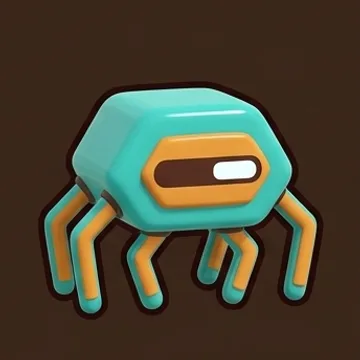
Spider
Each tap snaps the spider to the ceiling or the floor at once, so it crosses gaps instantly instead of in an arc.
-
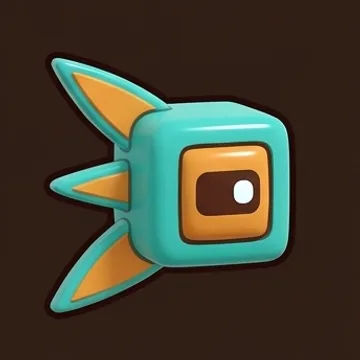
Swing
Each tap swaps gravity with a smooth turn, like a swing, instead of an instant flip. The movement feels rounder than the ball's.
Geometry Dash levels: 15 tracks, 128 to 185 BPM
There are 12 main levels and 3 bonus ones, running from Neon City at 128 BPM (Easy) up to Singularity at 180 BPM (Medium Demon). The bonus level Overclock goes furthest, at 185 BPM (Hard Demon).
| Level | BPM | Difficulty | Stars |
|---|---|---|---|
 Neon City | 128BPM | Easy | 2 |
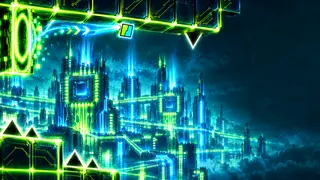 Cyber Pulse | 134BPM | Easy | 3 |
 Crystal Mines | 140BPM | Normal | 4 |
 Abyss | 145BPM | Hard | 5 |
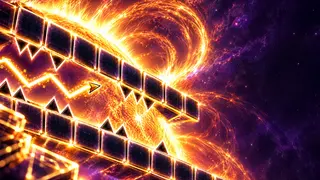 Solar Wind | 150BPM | Hard | 6 |
 Clockwork | 150BPM | Harder | 7 |
 Frost Spire | 160BPM | Harder | 8 |
 Reactor Core | 160BPM | Insane | 9 |
 Mirage | 165BPM | Insane | 10 |
 Storm Front | 170BPM | Insane | 11 |
 Eclipse | 175BPM | Easy Demon | 12 |
 Singularity | 180BPM | Medium Demon | 14 |
Bonus levels
| Level | BPM | Difficulty | Stars |
|---|---|---|---|
 Hyper Wave | 160BPM | Insane | 10 |
 Pulsar | 170BPM | Medium Demon | 14 |
 Overclock | 185BPM | Hard Demon | 16 |
Every level hides 3 coins: 45 coins and 131 stars in total, which unlock looks in the garage.
Tips for steadier runs
Some habits that take the frustration out of Geometry Dash gameplay here, whether you are playing on a desktop or on a handset.
-
Put your headphones on
Let the music guide you. Hazards sit on the rhythm of the track, so hearing the pulse clearly will often show you the right time to jump better than staring at the screen.
-
Use practice mode
Practice mode has checkpoints, so you can repeat a difficult section again and again without replaying the start. Once the timing feels natural, go back and try the whole level in one run.
-
Read the next portal
Portals switch your form, and some also change the speed (1x, 2x or 3x) or flip gravity. Every form reacts to the button in its own way, so look ahead and work out what your finger must do before the switch happens.
-
Learn from the percent
Completion percent, best result and the attempt counter show where you keep failing. If it is always the same spot, practise that section rather than restarting from scratch in frustration.
-
Prepare your phone
Hold the phone sideways. The first launch downloads about 100 MB, so use Wi-Fi. Phones start on medium or low graphics for a steady frame rate, and you can raise the quality in the settings.
-
Start with the early levels
Both Neon City (128 BPM) and Cyber Pulse (134 BPM) are rated Easy. They give you a soft start for learning timing, before the pace picks up and the Demon levels show up.
Geometry Dash: browser play or Android download
Choose where to start your next run. The menu gives you a code to carry browser progress over to the Android app.
| Feature | Browser | Android |
|---|---|---|
| Getting started | Play on this page | Install through Google Play |
| Cost | Free to play | Free to install |
| Content | 15 levels and 8 forms | 15 levels and 8 forms |
| Advertising | No ads | Google AdMob ads |
| Progress | Copy your code from the menu | Enter the code to continue |
Use your XXXX-XXXX code to transfer levels, coins and garage looks.
Geometry Dash online: frequently asked questions
How do I start playing Geometry Dash?
Press the play button on this page. Begin with Neon City to get used to the timing, then follow the portals as they introduce different forms. The practice mode lets you learn difficult sections with checkpoints.
What forms are available in Geometry Dash?
There are eight: cube, ship, ball, UFO, wave, robot, spider and swing. Each responds differently to your button press. Portals switch forms during a stage, so learning their movements is part of completing a level.
Can I play Geometry Dash free online here?
Yes. Geometry Dash runs on this page without a payment, account or installation. Levels and garage looks unlock through play, and the browser version has no advertising.
How do I play on a phone?
Open this page on your phone and turn it to landscape. The initial load pulls roughly 100 MB, so a Wi-Fi connection is the better choice. On phones graphics begin at a medium or low level, and the settings let you increase them. An Android app is also available on Google Play.
Is Geometry Dash a rhythm game?
Yes. The obstacles follow the soundtrack’s beat, so listening helps you choose when to jump. Spikes, saws, blocks, orbs, pads and portals make timing as important as recognising the next hazard.
How do I move my progress to the Android app?
In the browser game, open "Code · gift" in the menu to get a code like XXXX-XXXX, then enter it in the app. Levels, coins and looks move over and the Aurora skin unlocks — with no sign-up anywhere.
Are there ads?
Not in the browser version. The Android app shows Google AdMob ads: a small banner in the main menu and full-screen ads at breaks, at most once every 90 seconds. A video can unlock a garage item early.
Which languages does the game support?
The game has 10 interface languages: English, Russian, Spanish, Brazilian Portuguese, German, French, Turkish, Ukrainian, Polish and Simplified Chinese. Level names stay in English whichever language you choose.
Download Geometry Dash on Android
Download Geometry Dash from Google Play for Android, or start a free browser run here. Pick Neon City at 128 BPM, put your headphones on and time your first jump.